((1)) INSERT BATTERIES
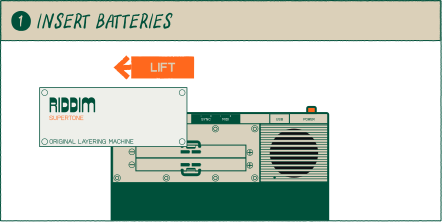
LIFT OFF THE TOP LID TO REVEAL THE battery compartment.
((2)) INSERT BATTERIES
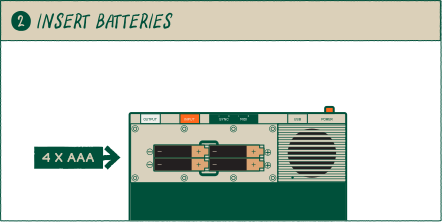
insert 4x fresh AAA batteries.
((3)) switch on
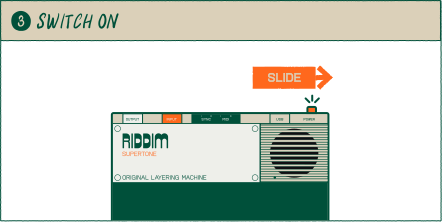
slide the orange power-switch on the top right to power on the unit.
((4)) on
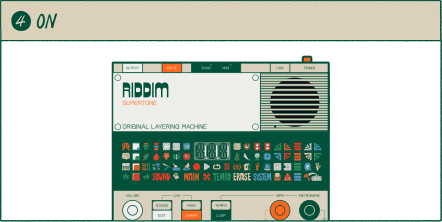
when switched on, the led screen will light up immediately.
usb
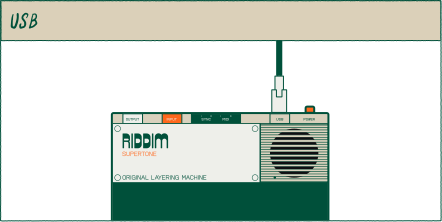
you can also power the unit with a standard usb-c cable (5V / min 1A). we recommend using a quality 'USB-IF' compliant cable.