notice. read this first.
warnings and important notes
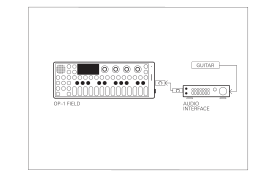
before connecting this unit to other devices, turn off the power to all units. this will help prevent malfunctions and/or damage to speakers or other devices. if you need to connect/disconnect wires during use, always make sure to connect the cable to the OP–1 field first.
never connect the 3.5 mm plugs going from the
OP–1 field's inputs or outputs to a microphone input with active phantom power. this could damage the
OP–1 field.
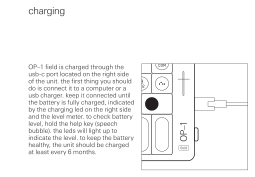
be sure to charge the unit using only 5V usb power, such as that from the usb ports of a computer, or by using a dedicated usb charger.
make sure to read the regulatory statements here.
before connecting this unit to other devices, turn off the power to all units. this will help prevent malfunctions and/or damage to speakers or other devices. if you need to connect/disconnect wires during use, always make sure to connect the cable to the OP–1 field first.
never connect the 3.5 mm plugs going from the
OP–1 field's inputs or outputs to a microphone input with active phantom power. this could damage the
OP–1 field.
be sure to charge the unit using only 5V usb power, such as that from the usb ports of a computer, or by using a dedicated usb charger.
make sure to read the regulatory statements here.
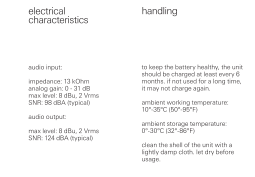
to keep the battery healthy, the unit should be charged at least every 6 months. if not used for a long time, it may not charge again.
ambient working temperature:10°–35°C (50°–95°F)
ambient storage temperature:0°–35°C (32°–86°F)
clean the shell of the unit with a lightly damp cloth. let dry before usage.
caution
do not try to charge or use a unit with a seemingly damaged battery.
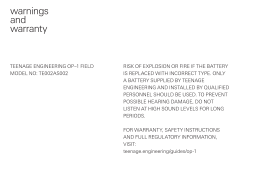
only a battery supplied by teenage engineering installed by qualified personnel should be used.
disposal of a battery into fire or a hot oven, or mechanically crushing or cutting of a battery, can result in an explosion.
leaving a battery in an extremely high temperature surrounding environment can result in an explosion or the leakage of flammable liquid or gas.
to prevent possible hearing damage, do not listen at high sound levels for long periods.
store small parts out of the reach of children and infants. if accidentally swallowed, contact an emergency medicine doctor immediately.
do not try to charge or use a unit with a seemingly damaged battery.
only a battery supplied by teenage engineering installed by qualified personnel should be used.
disposal of a battery into fire or a hot oven, or mechanically crushing or cutting of a battery, can result in an explosion.
leaving a battery in an extremely high temperature surrounding environment can result in an explosion or the leakage of flammable liquid or gas.
to prevent possible hearing damage, do not listen at high sound levels for long periods.
store small parts out of the reach of children and infants. if accidentally swallowed, contact an emergency medicine doctor immediately.
warranty and return policy
the OP–1 field is fully factory tested and comes with a 12 month (from purchase date) warranty. this does not include malfunction due to misuse of the device, such as being dropped, crushed or used in an application of inappropriate voltages to the device's connectors or improperly designed or executed modifications.
in particular, you are the sole responsible for damage caused by a charging method other than 5V usb power.
the warranty does not cover shipping charges. make sure to read the terms and conditions here.
the OP–1 field is fully factory tested and comes with a 12 month (from purchase date) warranty. this does not include malfunction due to misuse of the device, such as being dropped, crushed or used in an application of inappropriate voltages to the device's connectors or improperly designed or executed modifications.
in particular, you are the sole responsible for damage caused by a charging method other than 5V usb power.
the warranty does not cover shipping charges. make sure to read the terms and conditions here.
index
click on the section you
want to read more about
what's in the boxintroduction
hardwareoverviewpower onchargingstartkeyboardsynthdrum
tape
mixershift
help
user guidetrack keys T1-T4guide conventionsencoder commandspreset soundschanging presetssave a presetmanage presetssynth modesynthesis selectionamptunerclusterdigitaldimensiondnadr wave
dsynthfmphasepulsesamplerstringvoltagevocodersynth samplersamplingrecording screenenvelopeplay modeeffectscwodelaygridmothernitrophonepunchspringterminallforandom lfoelement lfomidi lfotremolo lfovalue lfovelocity lfo
hardwareoverviewpower onchargingstartkeyboardsynthdrum
tape
mixershift
help
user guidetrack keys T1-T4guide conventionsencoder commandspreset soundschanging presetssave a presetmanage presetssynth modesynthesis selectionamptunerclusterdigitaldimensiondnadr wave
dsynthfmphasepulsesamplerstringvoltagevocodersynth samplersamplingrecording screenenvelopeplay modeeffectscwodelaygridmothernitrophonepunchspringterminallforandom lfoelement lfomidi lfotremolo lfovalue lfovelocity lfo
drum mode
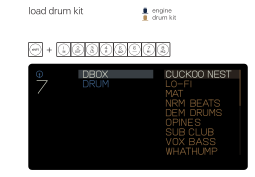
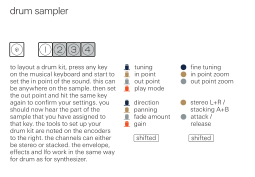
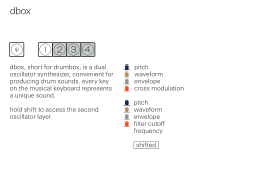
load drum kitdrum samplerdboxdrum samplertape moderecord to tape
tape edittape tricksshift functionstape browsertape stylesmixerequalizermaster effectmaster outsound pathsequencersarpeggioendlessfingerholdpatternsketchtombolatempobeat matchfree tempomidi syncPO sync1/16 syncsettingskeyboardsystempower off
usb audioclockbatteryinputoutputmixdownfm transmitOB–4 auto synccommidicontrollistdisk mode / mtpscenariosfield system™accessoriestechnical specificationselectrical characteristicshandlingfirmware updatete bootfactory resetwarnings and warrantycompliancerecyclingcautionmidi reference
load drum kitdrum samplerdboxdrum samplertape moderecord to tape
tape edittape tricksshift functionstape browsertape stylesmixerequalizermaster effectmaster outsound pathsequencersarpeggioendlessfingerholdpatternsketchtombolatempobeat matchfree tempomidi syncPO sync1/16 syncsettingskeyboardsystempower off
usb audioclockbatteryinputoutputmixdownfm transmitOB–4 auto synccommidicontrollistdisk mode / mtpscenariosfield system™accessoriestechnical specificationselectrical characteristicshandlingfirmware updatete bootfactory resetwarnings and warrantycompliancerecyclingcautionmidi reference
what's in the box
Check that the following items are included when you open the box
OP–1 field unit
user guide
dual velcro back fasteners
usb-c cable
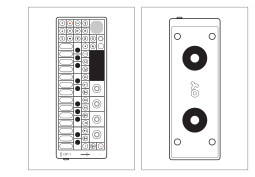
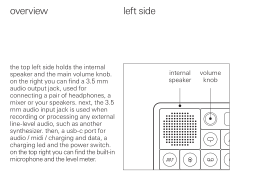
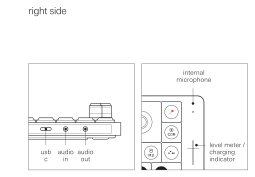
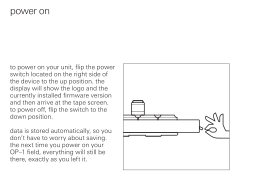
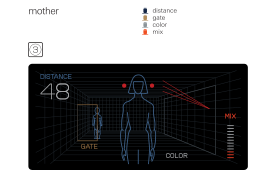
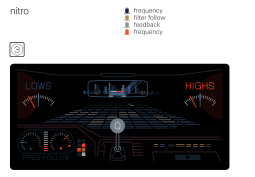
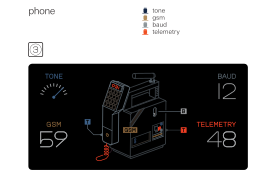
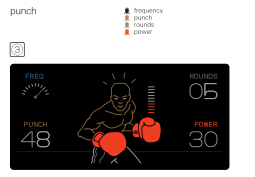
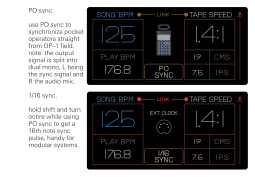
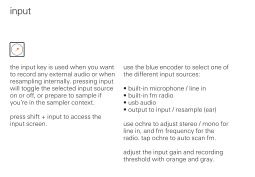
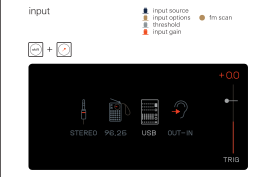
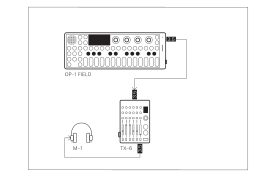
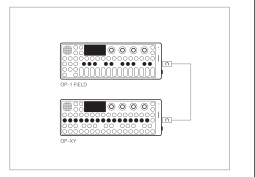
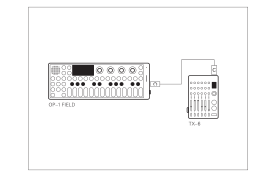
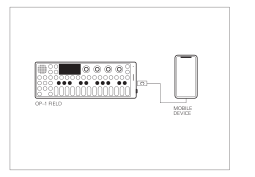
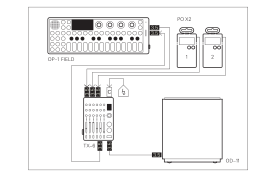
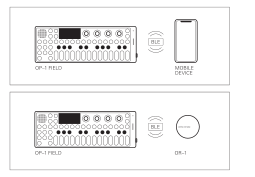
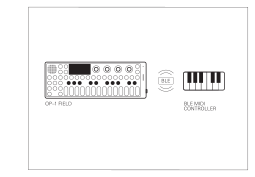
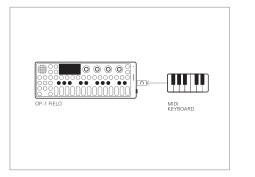





midi reference
incoming midi messages.
message
channel
function
value
note on
1 - 16
play synth/drum note
velocity 1-127
note off
1 - 16
release note
-
pitch bend
1 - 16
synth pitch bend
0 - 16383
program change
1 - 16
load synth/drum slot
0–7 = synth slots 1–8
8–15 = drum slots 1–8
8–15 = drum slots 1–8
clock
-
sync input
-
start
-
start tape playback
-
continue
-
continue tape playback
-
stop
-
stop tape
-
song position
-
set sequencer position
-
incoming midi control change messages.
cc
channel
function
value
7
1 - 4 *
mixer volume
0 - 127
9
1 - 4 *
mixer mute
≥ 64 = muted
10
1 - 4 *
mixer pan
0 - 127
46
any
synth: parameter 1
drum: active key pitch
drum: active key pitch
0 - 127
47
any
synth: parameter 2
drum: active key loop in
drum: active key loop in
0 - 127
48
any
synth: parameter 3
drum: active key loop out
drum: active key loop out
0 - 127
49
any
synth: parameter 4
drum: active key play mode
drum: active key play mode
0 - 127
50
any
synth envelope: attack
drum envelope: attack
drum envelope: attack
0 - 127
51
any
synth envelope: decay
drum envelope: gain
drum envelope: gain
0 - 127
52
any
synth envelope: sustain
drum envelope: release
drum envelope: release
0 - 127
53
any
synth envelope: release
drum envelope: smooth
drum envelope: smooth
0 - 127
54 - 57
any
patch fx parameters 1 - 4
0 - 127
58 - 61
any
patch lfo parameters 1 -4
0 - 127
62
any
randomize active patch
≥ 64
63
any
reset active patch
≥ 64
64
any
sustain pedal
≥ 64 = down
70 - 73
any
master fx parameters 1 - 4
0 - 127
74 - 77
any
master compressor parameters 1 - 4
0 - 127
78
any
tape record level
0 - 127
79
any
octave
< 64 = down, ≥ 64 = up
80
any
tempo
0–5 → 40–50 BPM, 6–120 → 52–166 BPM, 121–127 → 168–180 BPM
81
any
metronome level
0 - 127
82
any
tape: previous bar
≥ 64
83
any
tape: next bar
≥ 64
84
any
tape: jump to start
≥ 64
85
any
tape: jump to end
≥ 64
86
any
tape: set loop in
≥ 64
87
any
tape: set loop out
≥ 64
88
any
tape: toggle loop
≥ 64
90
any
master eq low
0 - 127
91
any
master eq mid
0 - 127
92
any
master eq high
0 - 127
93
any
mode select
< 64 = synth, ≥ 64 = drum
102
1 - 8 **
sound slot select
≥ 64
104
any
tape: stop
≥ 64
105
any
tape: play
≥ 64
123
any
all notes off
-
* channel 1 - 4 = track 1 - 4
** channel 1 - 8 = sound slot 1 - 8
* synth mode: synth engine params.
drum mode: active key pitch, loop in, loop out, play mode