field kit
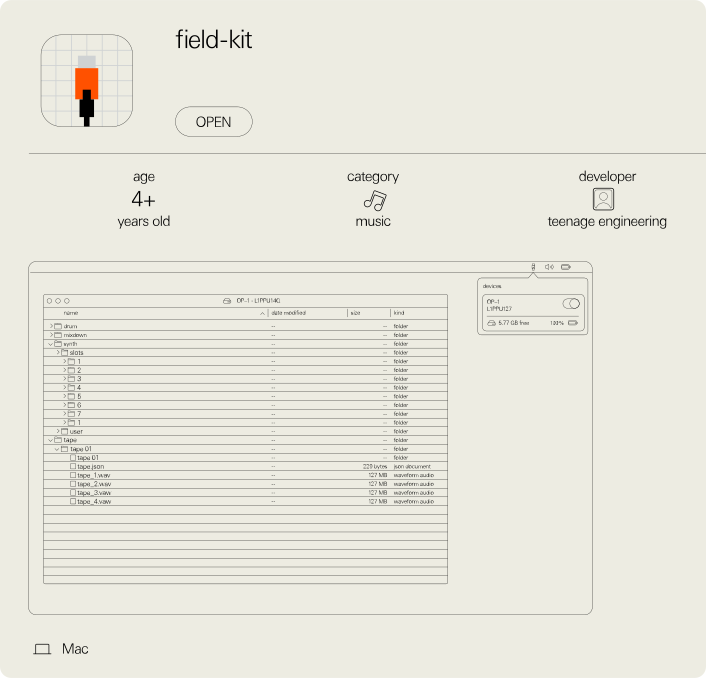
field kit for macOS is an application used to import and export content from the OP–1 field, OP–XY and TP–7. we released field kit since macOS does not have native support to exchange files via the media transfer protocol (mtp).
linux and windows have native support for mtp so no application is required.
MTP gives a computer fast and direct access to the content of your device. to enter MTP mode on your device follow these steps:
OP–1 fieldplug in your OP–1 field and enter mtp mode (shift + com, then T4). or click the icon to the left of the product name when you open field kit.
OP–XYplug in your OP–XY to your computer, press com and then press M4 to enter mtp mode. or click the icon to the left of the product name when you open field kit.
TP–7connect the TP–7 to your computer while it’s turned off, then hold the stop button when turning on the power.
field kit for macOS is an application used to import and export content from the OP–1 field, OP–XY and TP–7. we released field kit since macOS does not have native support to exchange files via the media transfer protocol (mtp).
linux and windows have native support for mtp so no application is required.
MTP gives a computer fast and direct access to the content of your device. to enter MTP mode on your device follow these steps:
OP–1 fieldplug in your OP–1 field and enter mtp mode (shift + com, then T4). or click the icon to the left of the product name when you open field kit.
OP–XYplug in your OP–XY to your computer, press com and then press M4 to enter mtp mode. or click the icon to the left of the product name when you open field kit.
TP–7connect the TP–7 to your computer while it’s turned off, then hold the stop button when turning on the power.
install field kit