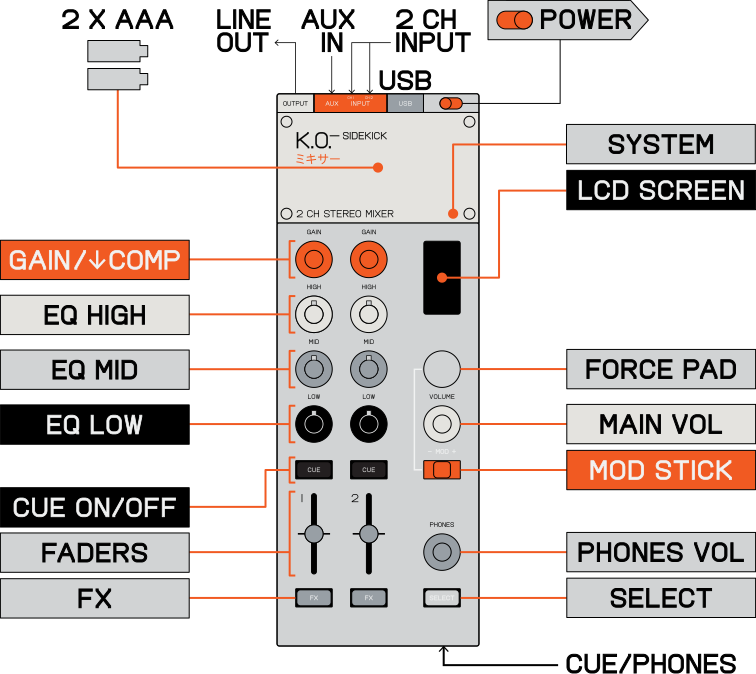
front
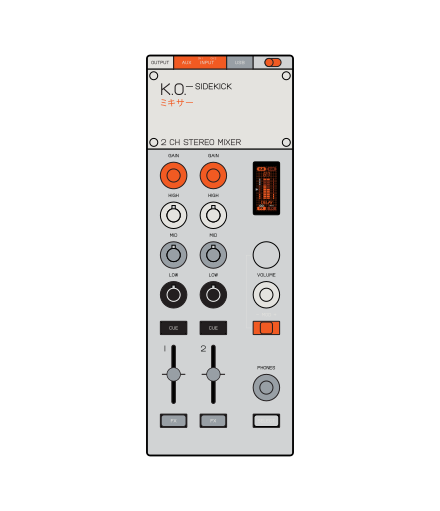
back
left
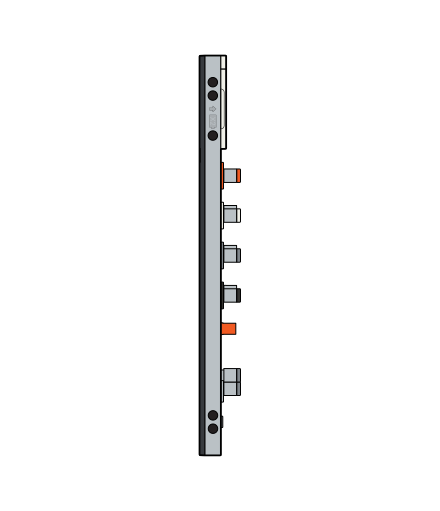
right
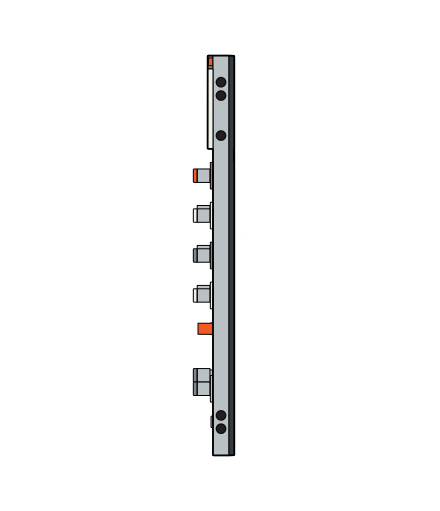
top side
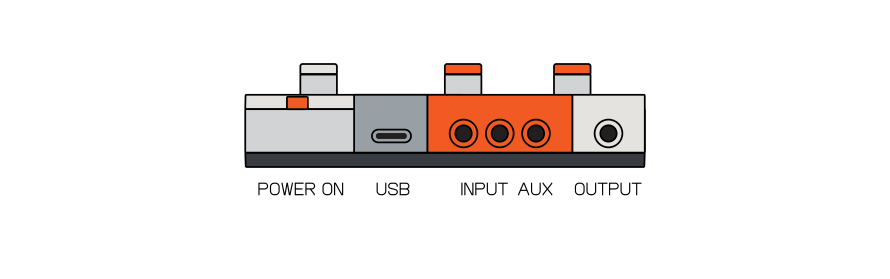
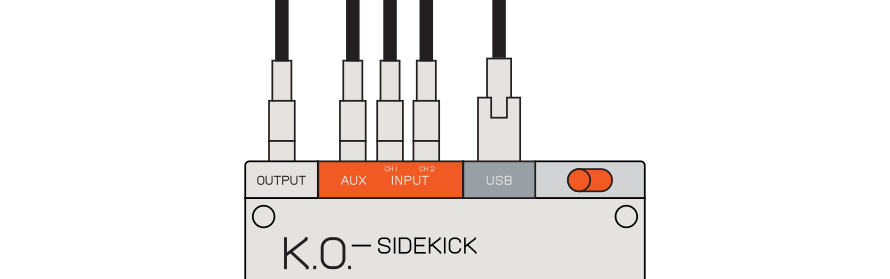
on the top of the unit, you will find the inputs and outputs. use the 3.5 mm stereo inputs to connect external instruments such as other ep series products, tape recorders or audio from your phone.
bottom side
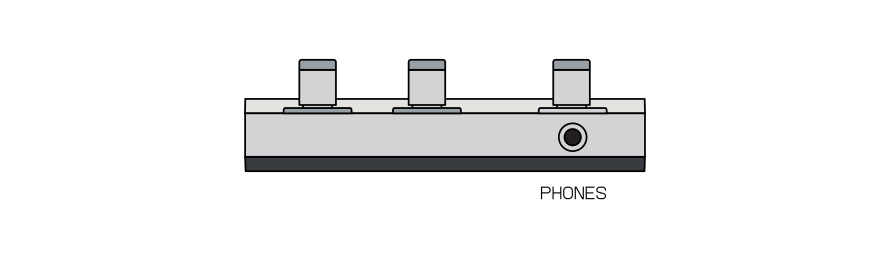

use the aux input to connect an additional input, run a signal from an effect unit back into the mixer or stack mixers for more channels. use the output to connect a stereo 3.5 mm cable to your sound system.
input
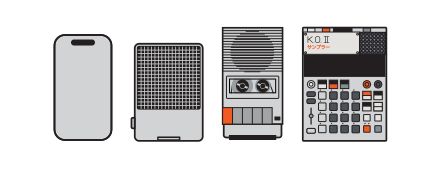
use the 3.5 mm stereo input to connect external instruments, vinyl players, tape recorders or audio from your phone.
output
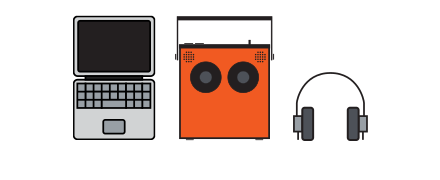
use the output to connect a stereo 3.5 mm cable to your sound system, mixer/soundcard or headphones.
input example
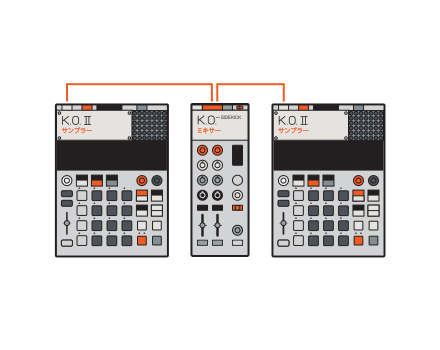
connect two ko2 devices into the stereo inputs for a ones and twos style setup, perfect for live performance.
input example
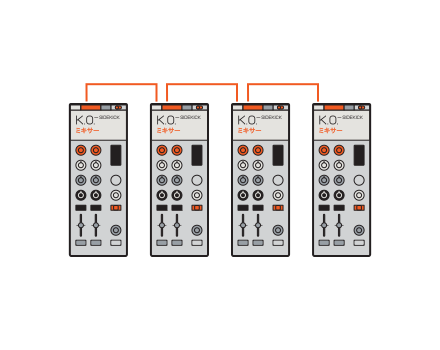
stack multiple K.O.–sidekicks together to mix as many inputs as you need.
output EXAMPLE
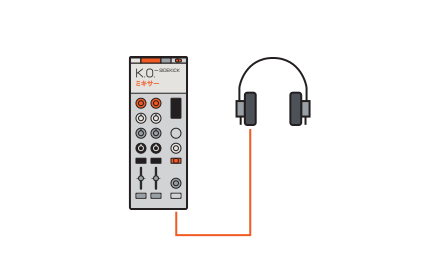
connect headphones to the cue out to monitor your mix.
output EXAMPLE
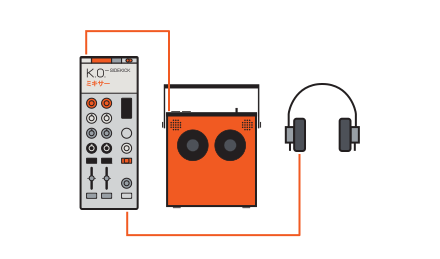
connect a speaker directly into the output to hear the main mix and a pair of headphones into cue to preview channels.
usb-c
the usb-c port allows K.o.–sidekick to work as a midi controller, an 8 in/4 out audio interface and can also be used to control parameters from an external midi device.
firmware
usb is also used to update firmware.

