sometimes you will need to press buttons in sequence, sometimes in combination. these illustrations and texts will help you to follow along in the guide.
to press a button, tap it and then release. to hold a button, press it and keep it pressed down. many of the knobs and buttons have different functionality depending on the
context.
context.
single press
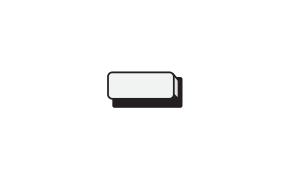
a single button in a cell is for a SINGLE press.
COMBINATION press
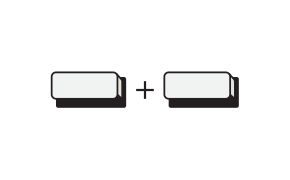
multiple buttons in a cell divided by a plus is for a combination press.
sequence press
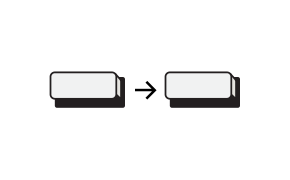
multiple buttons in a cell divided by an arrow is for a sequence press.
SINGLE hold
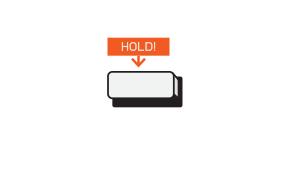
the hold icon above a single button means you’re supposed to long hold.
COMBINATION HOLD
multiple buttons divided by a plus is for a combination hold.
single tap
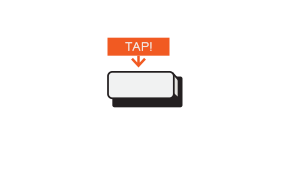
the tap icon above a single button means you’re supposed to press the button and release it.
knobs
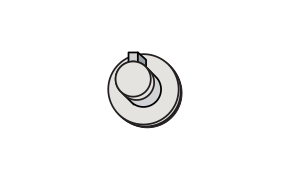
when a knob is shown in a cell this describes TURNing the KNOB.
eq knob up
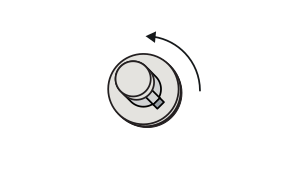
when a knob is shown with an arrow it describes the position it should be moved to.
mod stick
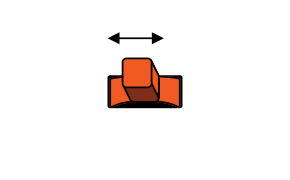
when the mod stick is shown it describes moving the mod stick.
force pad
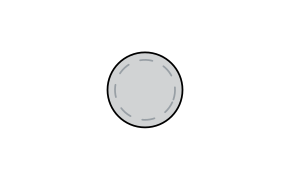
when the force pad is shown it describes pressing the force pad.
Fader positions
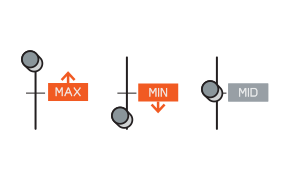
the fader icon will show either one of the three settings: upwards for maximum / downwards For minimum / middle for the mid setting.
screen
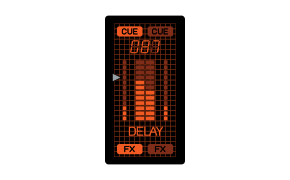
when the screen is shown in a cell the function of that screen is described below.


